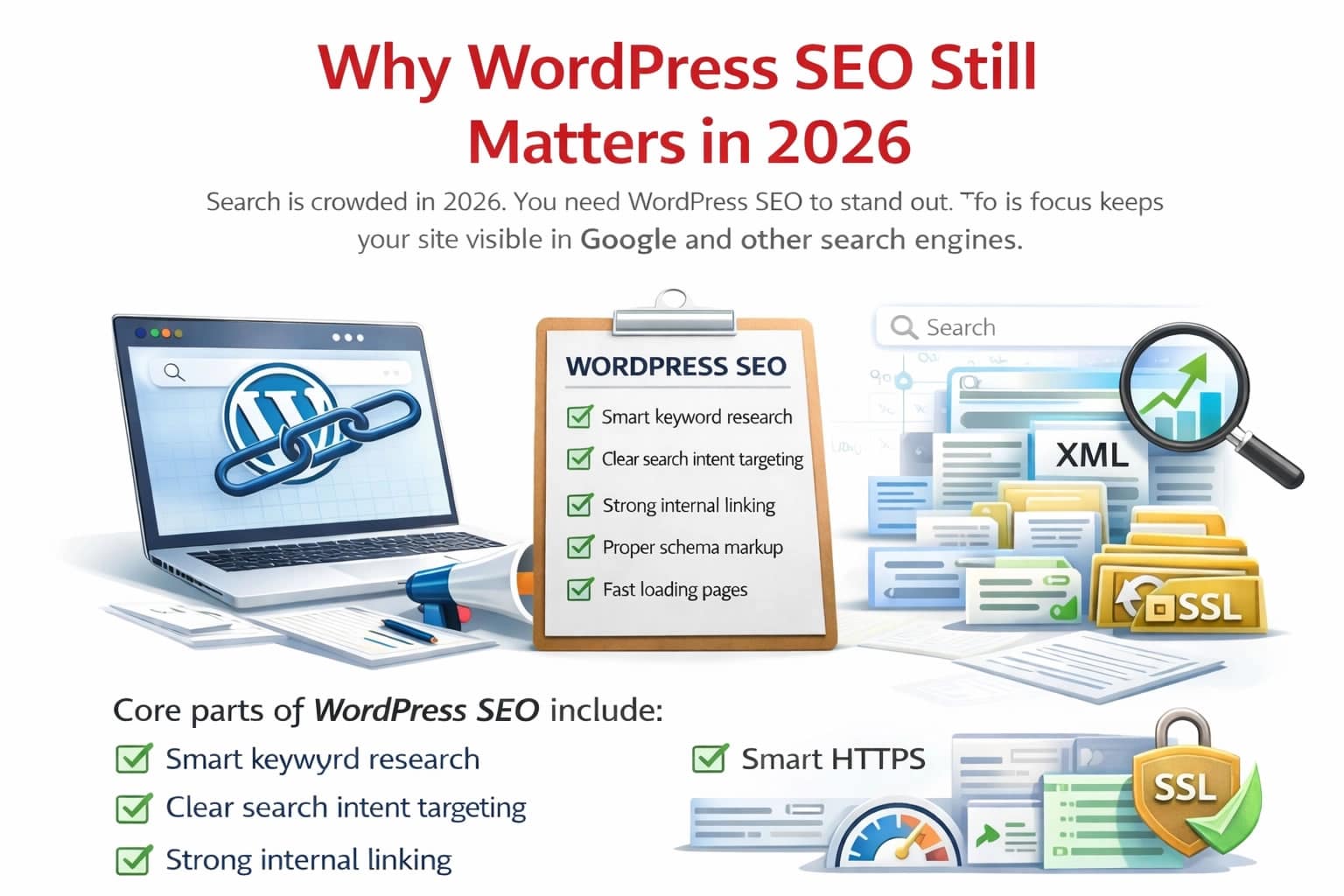
Search is crowded in 2026. You need WordPress SEO to stand out. This focus keeps your site visible in Google and other search engines. WordPress SEO means improving how your WordPress site appears in search results. It covers content, structure, speed, and technical setup. When done right, WordPress SEO helps search engines crawl, index, and rank your pages higher. Strong signals lead to more organic traffic and steady growth.
Many site owners rely only on content. That is not enough. Search engines now check page speed, structure, and user signals. They also measure search intent and trust. With smart WordPress SEO, you control what search engines see. You guide them using XML sitemap, robots.txt, and clean SEO friendly URLs. You improve click rates with strong title tags and clear meta description text.
Core parts of WordPress SEO include:
- Smart keyword research
- Clear search intent targeting
- Strong internal linking
- Proper schema markup
- Fast loading pages
If your site runs on WordPress, you already have an edge. WordPress allows custom titles, clean permalinks, and image alt text. But tools alone do not win rankings. Strategy does. That is why mastering WordPress SEO in 2026 still matters.
Off-Page SEO Checklist for Better Rankings
Setting the Foundation for WordPress SEO Success
Strong results begin with setup. Before content, you must prepare your site for WordPress SEO. First, check indexing. Go to settings and make sure search engine visibility is enabled. Your site must be indexable to benefit from WordPress SEO. If search engines cannot crawl it, rankings will not move.
Next, secure your site with an SSL certificate. This activates HTTPS, which search engines prefer. Google treats secure sites as more trustworthy. That supports your WordPress SEO goals. Choose one domain version. Use either www or non-www. This avoids duplicate signals. Add a canonical URL setup to show the main version of each page. A clean structure helps bots move easily. Enable SEO friendly permalinks so URLs use the post name format. Short and clear URLs improve WordPress SEO.
Your base checklist should include:
- Submit XML sitemap to Google Search Console
- Review crawl settings
- Set up robots.txt
- Confirm site indexing
- Install a reliable WordPress SEO plugin
This base layer acts like a strong frame for a house. Without it, content efforts weaken. When the foundation is right, every step in WordPress SEO works better.
Choosing the Right WordPress SEO Plugin
You need tools that simplify work. A strong WordPress SEO plugin makes optimization easier and faster. One of the most used tools is Yoast SEO. It helps manage title tags, meta descriptions, and XML sitemap creation. Many site owners choose Yoast SEO Premium for added features like internal linking tips and redirect control.
A good SEO plugin for WordPress should offer:
- On-page SEO analysis
- Clear readability analysis
- Built-in schema markup
- Easy SERP preview
- Simple focus key-phrase input
When you set up Yoast SEO, start with SEO data optimization. Then configure templates for posts and pages. This keeps your WordPress SEO consistent across the site. Avoid installing multiple SEO plugins. They may conflict and harm WordPress SEO performance.
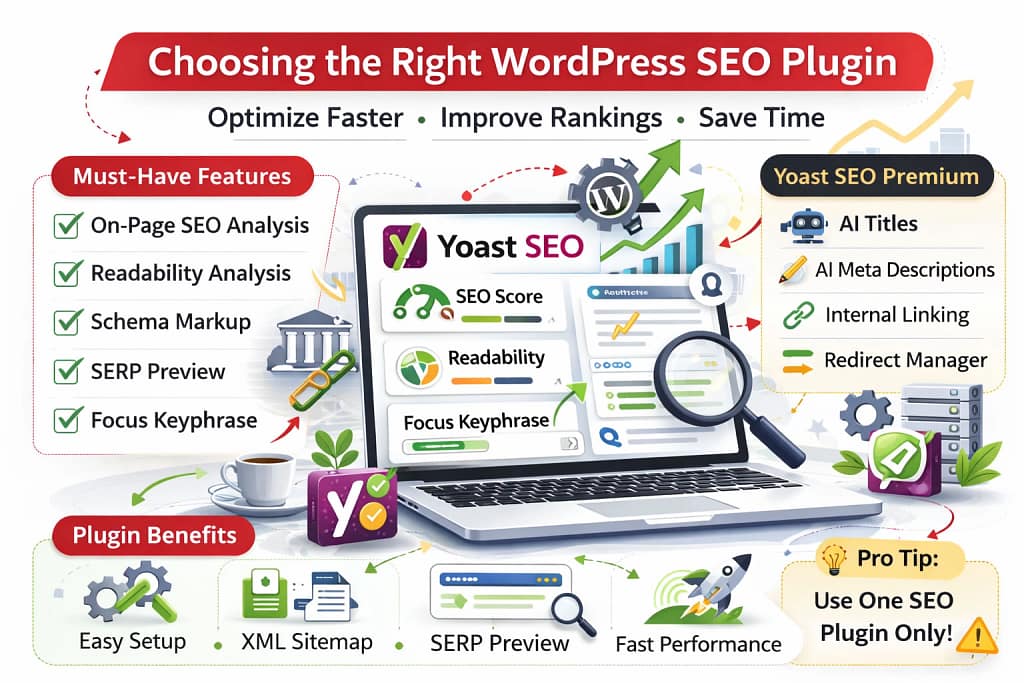
Premium features such as AI-generated titles, AI meta descriptions, and a Redirect Manager save time. But strategy still drives results. Think of your plugin as a compass. It shows direction. You still need to choose the right path. A reliable plugin strengthens WordPress SEO without adding stress.
Keyword Research That Drives WordPress SEO
Traffic starts with the right keywords. Smart keyword research fuels strong WordPress SEO. Begin with a seed topic. Use tools to find related terms. Check search volume and difficulty. Focus on terms that match clear search intent.
There are four main intent types:
- Informational
- Navigational
- Commercial
- Transactional
Match each page with one clear goal. That keeps WordPress SEO clean and focused. Look at competitors. Study their rankings. Identify gaps using keyword gap methods. This improves content optimization and reveals missed chances. Add a main focus key-phrase to each post. Then support it with related keywords. Avoid stuffing. Natural placement improves WordPress SEO without risk.
Strong keywords should appear in:
- Title tags
- Meta description
- H1 and H2 headings
- First 100 words
- URL slug
Long tail phrases often bring better conversions. They target clear problems. Think of keywords as road signs. They guide search engines to your content. Without research, WordPress SEO becomes guesswork. With research, you build pages that rank with purpose.
WordPress SEO Tips for Faster Rankings
Creating Content That Ranks in 2026
Content still leads the race. But only optimized content wins in WordPress SEO. First, meet search intent. Study top-ranking pages. See what format works. Match depth and clarity. Write in simple language. Use short paragraphs. Break text with bullet points when needed. This improves readability analysis scores inside Yoast SEO.
Add value with:
- Clear answers
- Updated facts
- Structured headings
- Useful examples
Use your primary keyword naturally. Keep WordPress SEO balanced. Avoid overuse. Include strong internal linking to related posts. This spreads authority across your site. It also reduces orphan pages. Add descriptive image alt text for each image. This helps both users and search engines.
When possible, apply schema markup. Structured data helps pages earn rich results. Think of content like a bridge. It connects user’s need to your solution. Search engines reward clarity and usefulness. That is the core of WordPress SEO in 2026.
Technical WordPress SEO That Boosts Rankings
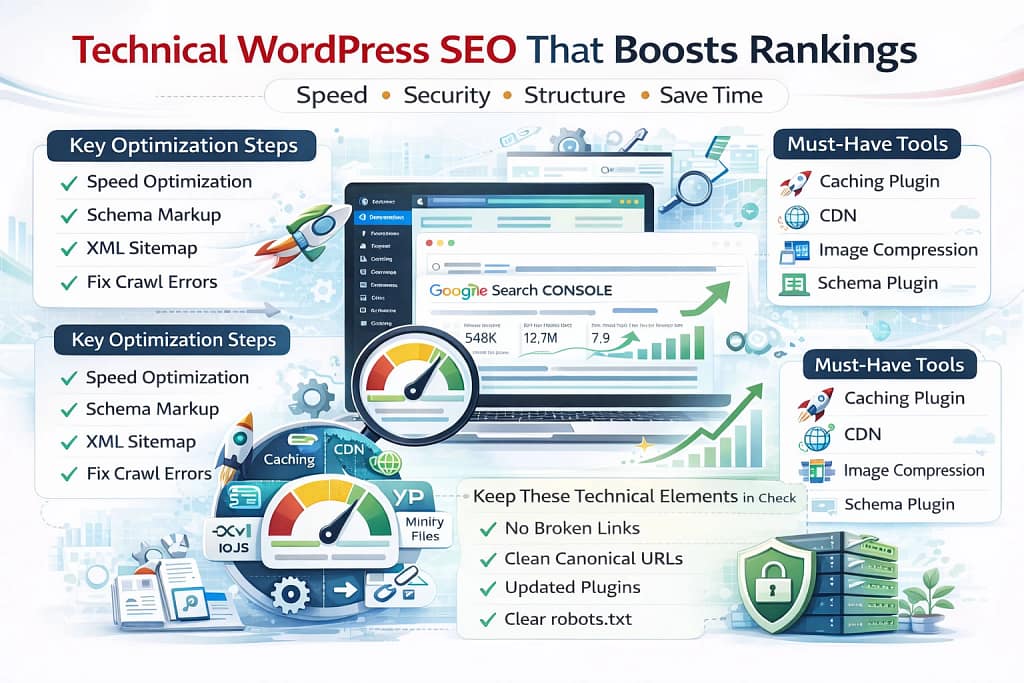
Technical setup supports visibility. Strong technical SEO makes WordPress SEO stable and reliable. Start with speed. Use a caching plugin to store static files. Add a CDN to deliver content faster worldwide. Compress images. Use modern formats. Minify CSS and JavaScript files.
These actions improve page speed optimization and support WordPress SEO. Enable proper structured data using schema markup tools. This improves search appearance. Submit and monitor your XML sitemap in Google Search Console. Fix crawl errors quickly.
Keep these elements in check:
- No broken links
- Clean canonical URLs
- Updated plugins
- Clear robots.txt
- Secure HTTPS
Fast and secure sites rank better. Search engines prefer a smooth user experience. You can use tools like site audit software to track issues. Fix problems early. Technical work may feel invisible. But it keeps WordPress SEO strong behind the scenes. Without technical care, rankings may drop even with good content.
Internal Linking and Site Structure Strategy
Structure guides both users and bots. Smart structure improves WordPress SEO performance. Use a simple hierarchy. Homepage at the top. Categories next. Posts under them. This creates clear relationships. Add breadcrumbs using tools like Yoast SEO. Breadcrumbs improve crawl flow and user clarity. Avoid orphan pages. Every page should have at least one internal link.
Effective internal linking tips:
- Link from high traffic pages
- Use descriptive anchor text
- Avoid overlinking
- Connect related topics
Create topic clusters. Use a pillar page with linked subtopics. This builds authority and strengthens WordPress SEO. Also, optimize category pages. Add unique text and target keywords. This supports content optimization. Think of internal links as city roads. They help traffic move easily. When the structure is clear, WordPress SEO becomes stronger and more organized.
Technical SEO Tips to Improve Website Performance
Optimizing Titles and Meta Descriptions for Clicks
Clicks improve rankings. That is why title tags and meta description text matter in WordPress SEO.
Your title should:
- Stay under 60 to 70 characters
- Include the main keyword
- Promise a clear value
The meta description should:
- Stay under 160 characters
- Match page content
- Encourage action
Tools like Yoast SEO provide SERP previews to see how listings appear. Each page must have a unique title and description. Duplicate text weakens WordPress SEO signals. Place keywords near the beginning of titles. Keep language natural. Think of search results as a store shelf. Your title is the label. Your description is the short pitch. Good listings improve click-through rate. Better clicks support WordPress SEO growth.
Securing and Maintaining WordPress SEO Performance
Security protects trust. A secure site strengthens WordPress SEO. Install trusted plugins only. Keep WordPress core updated. Use backup tools to avoid data loss. Enable two-factor login. Protect login pages from brute force attempts. Maintain speed with regular checks. Monitor uptime. Review page speed monthly.
Important maintenance steps:
- Update WordPress SEO plugin
- Check site indexing
- Review Google Search Console
- Fix crawl errors
- Refresh old content
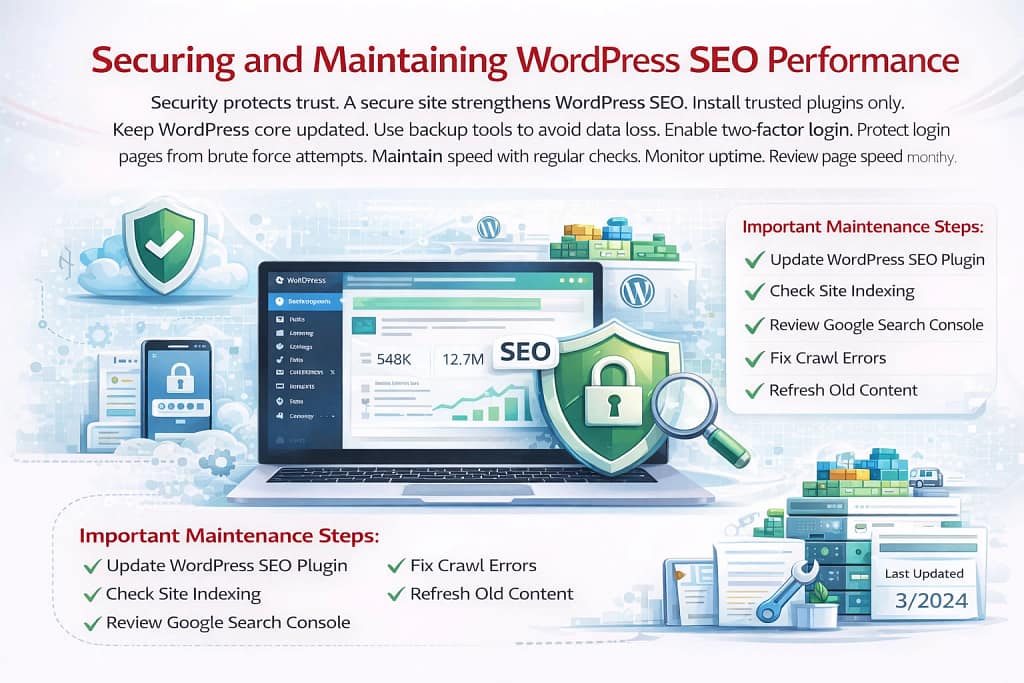
Add last updated dates when editing posts. Fresh content supports WordPress SEO. Search engines prefer secure, stable sites. A hacked site may lose rankings fast. Think of maintenance like car servicing. Regular checks prevent major problems. Ongoing care keeps WordPress SEO stable year after year.
Advanced WordPress SEO Strategies for 2026
Search tools now use AI. That changes WordPress SEO strategy. Structured data matters more. Use proper schema markup types. Add FAQ and HowTo blocks. Optimize for featured snippets. Answer questions clearly in short paragraphs. Improve dwell time by writing clear and helpful content.
Advanced methods include:
- Using cornerstone content
- Improving content optimization
- Expanding topic clusters
- Strengthening internal linking
- Updating high traffic pages
Track keyword positions monthly. Adjust strategy if rankings drop. Use insights from analytics tools. Study bounce rate and time on page. In 2026, strong WordPress SEO blends content, structure, speed, and user focus. It is not about tricks. It is about clarity, trust, and consistency. When you apply these strategies step by step, WordPress SEO becomes a system that drives steady growth.
What Is SEO and How Does It Work?
Conclusion
Search is more competitive than ever. That will not change. What will change is how search engines judge your site. That is why WordPress SEO still plays a critical role in 2026. You cannot rely on content alone. You need speed, structure, security, and clear signals. WordPress SEO connects all these parts into one system. It helps search engines crawl your pages, understand your topics, and rank your content correctly.
When you apply WordPress SEO the right way, you gain control. You guide bots with XML sitemap files and robots.txt rules. You improve trust with HTTPS and clean canonical URLs. You increase clicks with strong title tags and focused meta description text. The real power of WordPress SEO comes from consistency. Smart keyword research brings the right visitors. Clear internal linking spreads authority. Structured data improves visibility. Fast-loading pages keep users engaged.
Think of WordPress SEO like maintaining a garden. You plant strong content. You water it with technical care. You remove weeds like broken links and crawl errors. Over time, steady effort produces steady growth. In 2026, search rewards clarity, trust, and user experience. WordPress already provides the tools. Your strategy makes them work. Master WordPress SEO step by step, and your rankings will grow in a stable and lasting way.
Frequently Asked Questions (FAQs)
Q1: What Is WordPress SEO?
WordPress SEO is the process of optimizing a WordPress website to rank higher in search engines. It includes content improvement, keyword targeting, technical setup, internal linking, and speed optimization to increase visibility and organic traffic.
Q2: Why Is WordPress SEO Important in 2026?
WordPress SEO is important in 2026 because search engines now evaluate speed, structure, user experience, and intent. Proper optimization helps your site get crawled, indexed, and ranked more effectively in competitive search results.
Q3: Which Plugin Is Best for WordPress SEO?
Yoast SEO is one of the most popular plugins for WordPress SEO. It helps manage title tags, meta descriptions, XML sitemaps, schema markup, and on-page analysis to simplify optimization tasks.
Q4: How Does Keyword Research Help WordPress SEO?
Keyword research helps WordPress SEO by identifying the exact search terms your audience uses. Targeting the right keywords improves content relevance, matches search intent, and increases ranking potential.
Q5: How Often Should I Update My WordPress SEO Strategy?
You should review your WordPress SEO strategy at least every few months. Regular audits, content updates, speed checks, and search performance reviews help maintain strong rankings and steady traffic growth.