
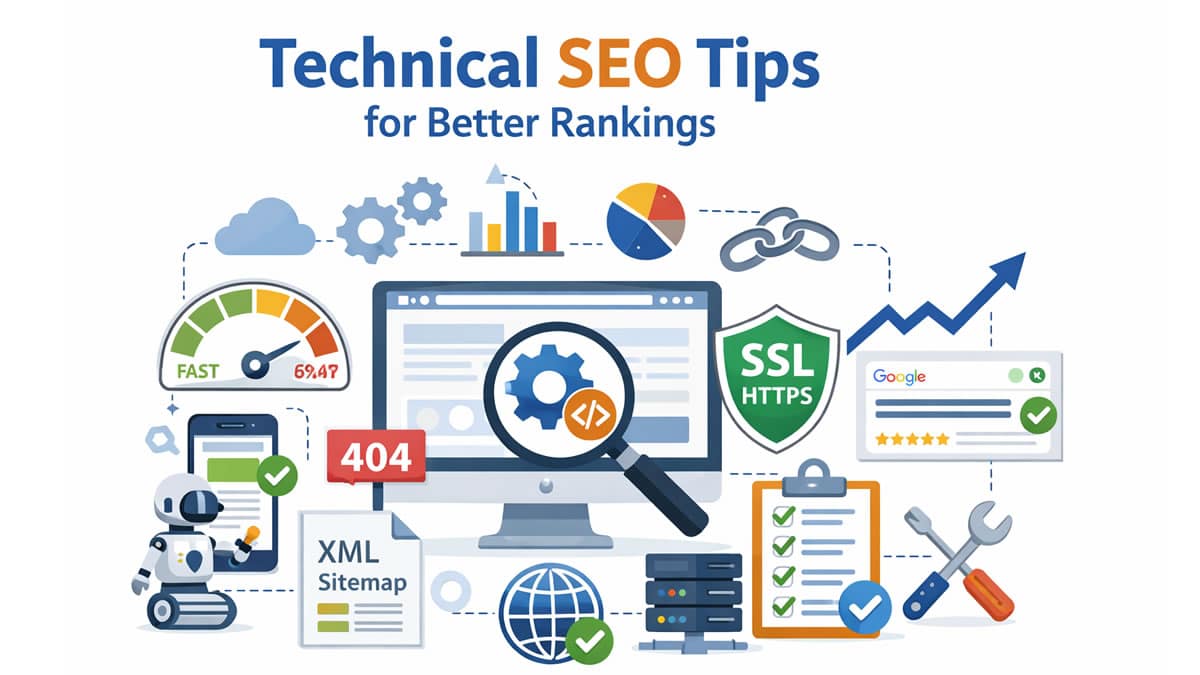
Technical SEO plays a crucial role in improving a website’s visibility in search engines. While high-quality content and strong backlinks are essential for ranking, search engines must first be able to properly access and understand your website before they can evaluate its value.
If search engine crawlers cannot reach your pages, or if your website loads slowly, contains broken links, or suffers from indexing problems, even the most informative content may fail to appear in search results. In many cases, technical issues silently prevent websites from achieving their true ranking potential.
Technical SEO focuses on optimizing the backend and structural elements of a website to ensure smooth performance, efficient crawling, better user experience, and improved search engine rankings. By addressing these technical factors, website owners create a strong foundation that supports all other SEO efforts.
This guide explains practical and effective technical SEO tips that help improve website performance, enhance usability, and increase overall search visibility.
What is Technical SEO?
Technical SEO refers to the process of optimizing a website’s infrastructure so that search engines can efficiently crawl, index, and interpret its content. It ensures that there are no technical barriers preventing search engines from accessing important pages.
The main objectives of technical SEO are to help search engines:
- Crawl pages without errors
- Index content correctly
- Understand site structure and relationships
- Deliver fast and secure performance to users
In simple terms, technical SEO ensures that your website is accessible, fast, secure, and easy for search engines to process. Without these elements, even well-written content may remain invisible in search results.
Read More: 15 Powerful Off-Page SEO Tips to Rank #1 on Google
Why is Technical SEO Important?
Technical SEO directly affects how search engines evaluate your website. If your site has structural or performance issues, it can negatively impact both rankings and user satisfaction.
Without proper technical optimization:
- Important pages may not get indexed
- Website speed may decrease
- Users may leave quickly due to a poor experience
- Rankings may gradually decline
On the other hand, effective technical SEO helps:
- Improve crawling efficiency
- Increase page speed
- Enhance usability
- Boost search engine rankings
A technically optimized website not only performs better in search results but also builds trust with users.
Essential Technical SEO Tips
1. Improve Website Speed
Website speed is one of the most important technical ranking factors. Users expect pages to load quickly, and even a few seconds of delay can lead to higher bounce rates and lower conversions.
Slow websites frustrate visitors and signal poor performance to search engines. Therefore, optimizing speed should always be a priority.
Best practices include:
- Compressing large images
- Minifying CSS and JavaScript files
- Enabling browser caching
- Using a Content Delivery Network (CDN)
- Choosing reliable and fast hosting
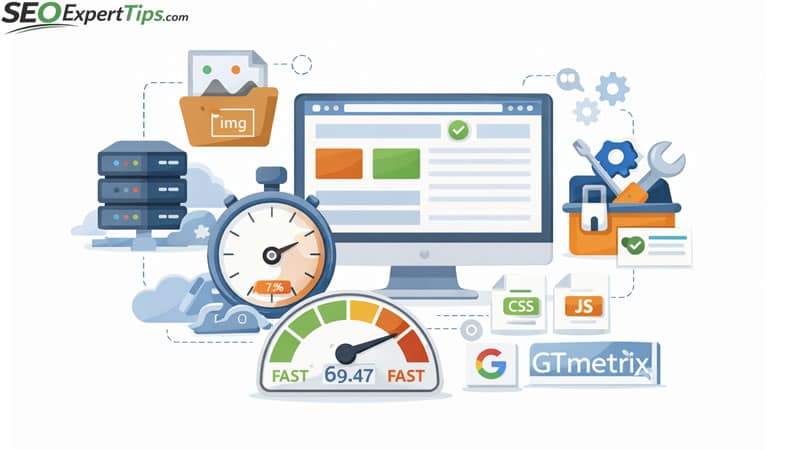
Useful tools include Google PageSpeed Insights and GTmetrix to identify areas for improvement.
2. Make Your Website Mobile-Friendly
With the majority of users accessing the internet through smartphones, mobile optimization is essential. Google uses mobile-first indexing, which means it primarily evaluates the mobile version of your website for ranking purposes.
If your website does not perform well on mobile devices, your rankings may suffer.
Ensure:
- Responsive design that adapts to all screen sizes
- Clear and readable text
- Fast mobile loading times
- Easy navigation and touch-friendly buttons
A mobile-friendly website improves both SEO and user engagement.
3. Fix Crawl Errors
Crawl errors occur when search engines are unable to access certain pages. These errors prevent important content from being indexed.
Common issues include:
- 404 page not found errors
- Broken internal links
- Server downtime or timeouts
Regularly monitoring Google Search Console helps detect these problems early so they can be fixed promptly.
Read More: Keyword Research in 2026: How to Find Profitable Keywords That Rank Fast
4. Optimize Your Site Structure
A well-organized site structure helps both users and search engines navigate your content easily. Clear architecture ensures that important pages are discovered quickly.
Best practices include:
- Grouping content into logical categories
- Creating meaningful internal links
- Using simple and descriptive URLs
- Avoiding deep nesting of pages
A clean structure improves crawling efficiency and enhances user experience.
5. Use an XML Sitemap
An XML sitemap acts as a roadmap for search engines. It lists all important pages that should be indexed. Submitting a sitemap ensures that search engines can easily find new or updated content, especially on large or complex websites. Adding your sitemap to Google Search Console improves indexing speed and coverage.
6. Optimize Robots.txt File
The robots.txt file controls how search engines interact with your website. It allows you to block unnecessary or sensitive pages from being crawled. Proper configuration helps prevent duplicate content and saves crawl budget. However, incorrect settings may accidentally block important pages, so careful management is required.
7. Enable HTTPS Security
Website security is a confirmed ranking factor. HTTPS encryption protects user data and builds trust. Installing an SSL certificate and redirecting HTTP traffic to HTTPS improves both security and search visibility. Secure websites are favored by both users and search engines.
8. Fix Duplicate Content
Duplicate content confuses search engines because they cannot determine which version to rank. This splits ranking signals and reduces overall visibility. Using canonical tags and consolidating similar pages ensures that search engines understand the primary version of each page.
9. Optimize URLs
Simple and descriptive URLs improve readability and SEO.
Good URLs should:
- Include relevant keywords
- Be short and clear
- Use hyphens instead of underscores
- Avoid unnecessary parameters
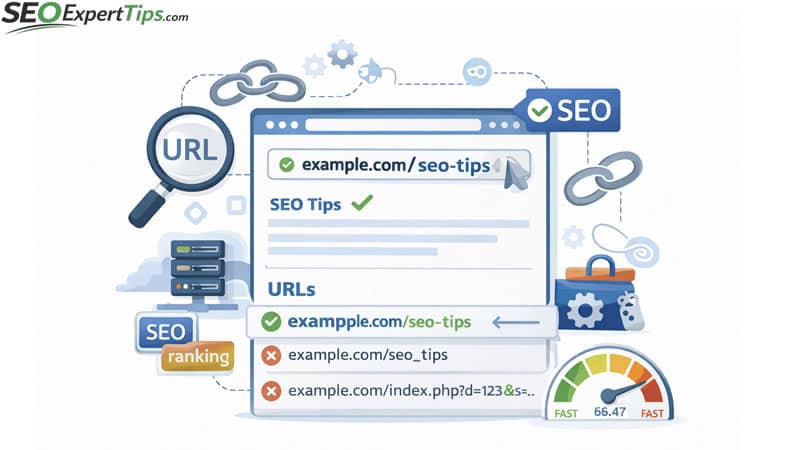
Clean URLs make it easier for both users and search engines to understand page content.
10. Improve Core Web Vitals
Core Web Vitals measure key aspects of user experience, including loading speed, responsiveness, and visual stability. Improving these metrics ensures smooth performance and better engagement, which positively impacts rankings.
11. Use Structured Data (Schema Markup)
Structured data helps search engines interpret your content more effectively. It can generate enhanced search results such as FAQs, ratings, and rich snippets. These features increase visibility and click-through rates.
12. Monitor Indexing Status
Not all pages are automatically indexed. Regularly reviewing indexed and excluded pages in Google Search Console helps identify issues early. Ensuring proper indexing is essential for maintaining visibility.
13. Remove Broken Links
Broken links harm user experience and waste crawl budget. Fixing or redirecting these links ensures smoother navigation and better SEO performance.
14. Optimize Internal Linking
Internal linking distributes authority across pages and guides both users and search engines to important content. Strategic linking improves navigation and indexing.
Read More: SEO Expert Advice: Proven Strategies to Rank Higher on Google
15. Perform Regular Technical Audits
Technical SEO requires continuous monitoring. Regular audits using tools like Screaming Frog, Ahrefs, and SEMrush help detect and resolve issues before they impact rankings. Consistent maintenance ensures long-term performance.
Common Technical SEO Mistakes to Avoid
- Ignoring page speed
- Blocking important pages
- Not using HTTPS
- Poor site structure
- Duplicate content
- Broken links
Avoiding these mistakes protects your website from ranking losses.
Conclusion
Technical SEO forms the foundation of a successful website. Without proper technical optimization, even high-quality content may struggle to rank. By improving speed, structure, security, and crawlability, you create a strong framework that supports both users and search engines.
Consistent optimization and regular audits lead to sustainable rankings and long-term growth. Investing in technical SEO is not optional; it is essential for achieving reliable and lasting search performance.
Frequently Asked Questions (FAQs)
What is Technical SEO in simple terms?
Technical SEO refers to optimizing the backend structure of a website so search engines can easily crawl, index, and understand its content. It focuses on speed, security, structure, and performance.
Why is Technical SEO important for rankings?
Search engines prioritize websites that load quickly, are secure, and provide a smooth user experience. Technical SEO helps remove errors that may prevent pages from ranking properly.
How is Technical SEO different from On-Page SEO?
On-page SEO focuses on content, keywords, and optimization within pages. Technical SEO focuses on the website’s infrastructure, such as speed, crawlability, and indexing.
Does website speed affect SEO?
Yes. Page speed is a confirmed ranking factor. Faster websites improve user experience, reduce bounce rates, and increase the chances of ranking higher in search results.
What is an XML sitemap, and why do I need one?
An XML sitemap helps search engines discover and index your pages more efficiently. It ensures that important content is not missed during crawling.
How often should I perform a technical SEO audit?
It is recommended to perform a technical SEO audit every few months or whenever major changes are made to the website. Regular audits help detect and fix issues early.
What are crawl errors?
Crawl errors occur when search engines cannot access certain pages. These may include broken links, server issues, or missing pages, which can negatively affect rankings.
Is HTTPS necessary for SEO?
Yes. HTTPS secures user data and is considered a ranking signal by Google. Secure websites are more trusted by both users and search engines.
What tools can help with Technical SEO?
Common tools include Google Search Console, PageSpeed Insights, Screaming Frog, Ahrefs, and SEMrush. These tools help identify technical issues and performance problems.
Can Technical SEO alone improve rankings?
Technical SEO creates a strong foundation, but it should be combined with quality content and off-page SEO strategies for the best results.